Install the K7 Meet add-on to your Google Workspace to be able to schedule and join K7 Meet meetings directly from your Google calendar.
Install the K7Meet add-on
- In your Google calendar (https://calendar.google.com), open the right panel and select the plus sign.If the panel is hidden, select the chevron at the bottom of the screen to show it.

- Enter 'K7 Meet' in the search field and select the K7Meet add-on.
- Select Install and then select Continue on the permission screen.
- Select a Google account on the next screen. The K7 Meet add-on will then appear in the sidebar of your Google calendar.
Login to the K7 Meet add-on
- In your Google Calendar, select the K7Meet add-on.
- Select 'LOGIN', enter your account details and then authorize access.
Schedule a K7 Meet in Google calendar
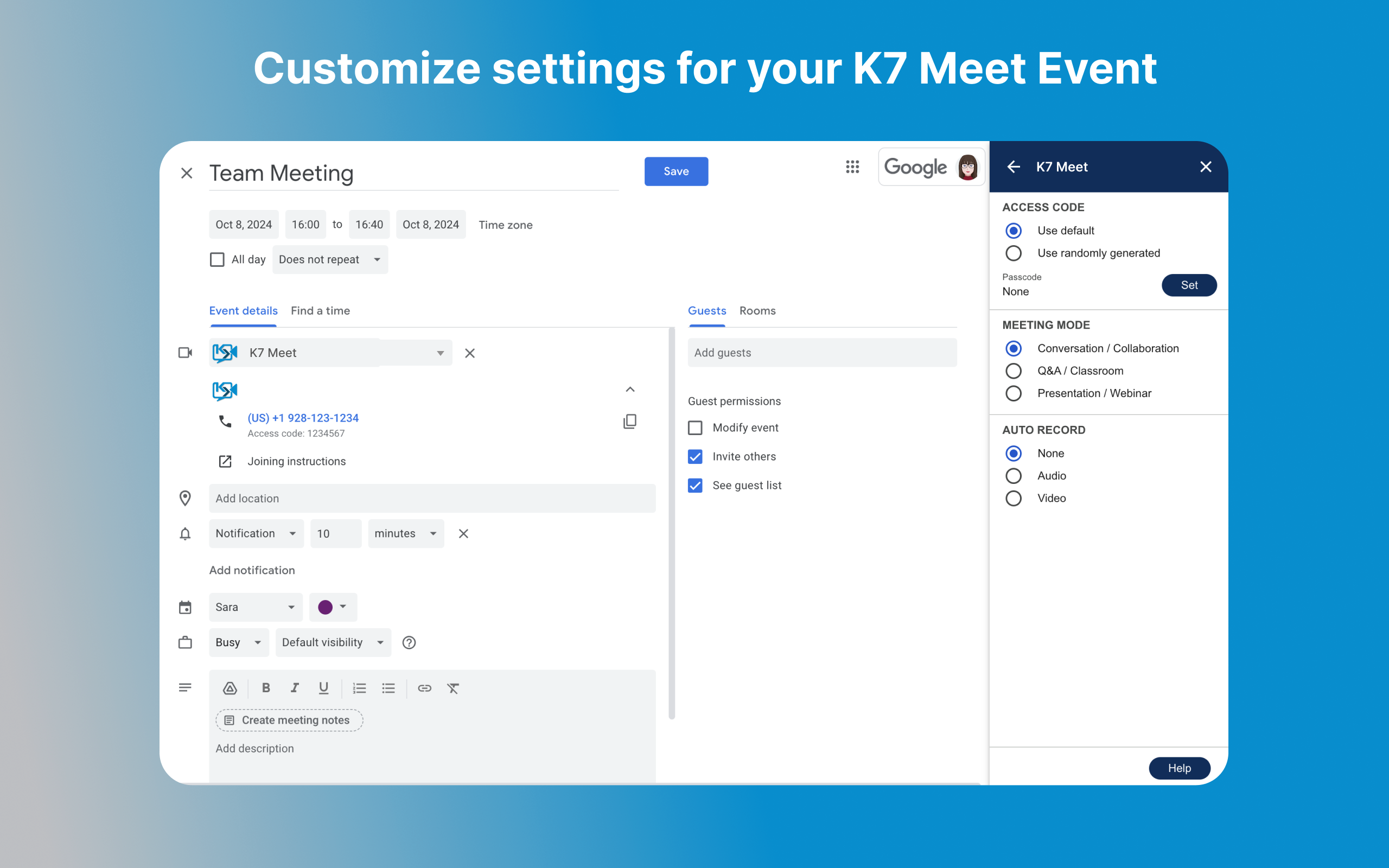
- In the calendar create a new event and in the Video conferencing field select K7Meet.
- Your meeting details are then included in the email confirmations that are sent out.
If Google Meet is your default:- You will see 'Add Google Meet...'
- Select the arrow to the left of this button
- Choose 'K7 Meet' from the list of add-ons
If Google Meet is not your default:
- You will see 'Add video conferencing'
- Click this button
- Select 'K7 Meet' from the list of add-ons
Was this article helpful?
That’s Great!
Thank you for your feedback
Sorry! We couldn't be helpful
Thank you for your feedback
Feedback sent
We appreciate your effort and will try to fix the article